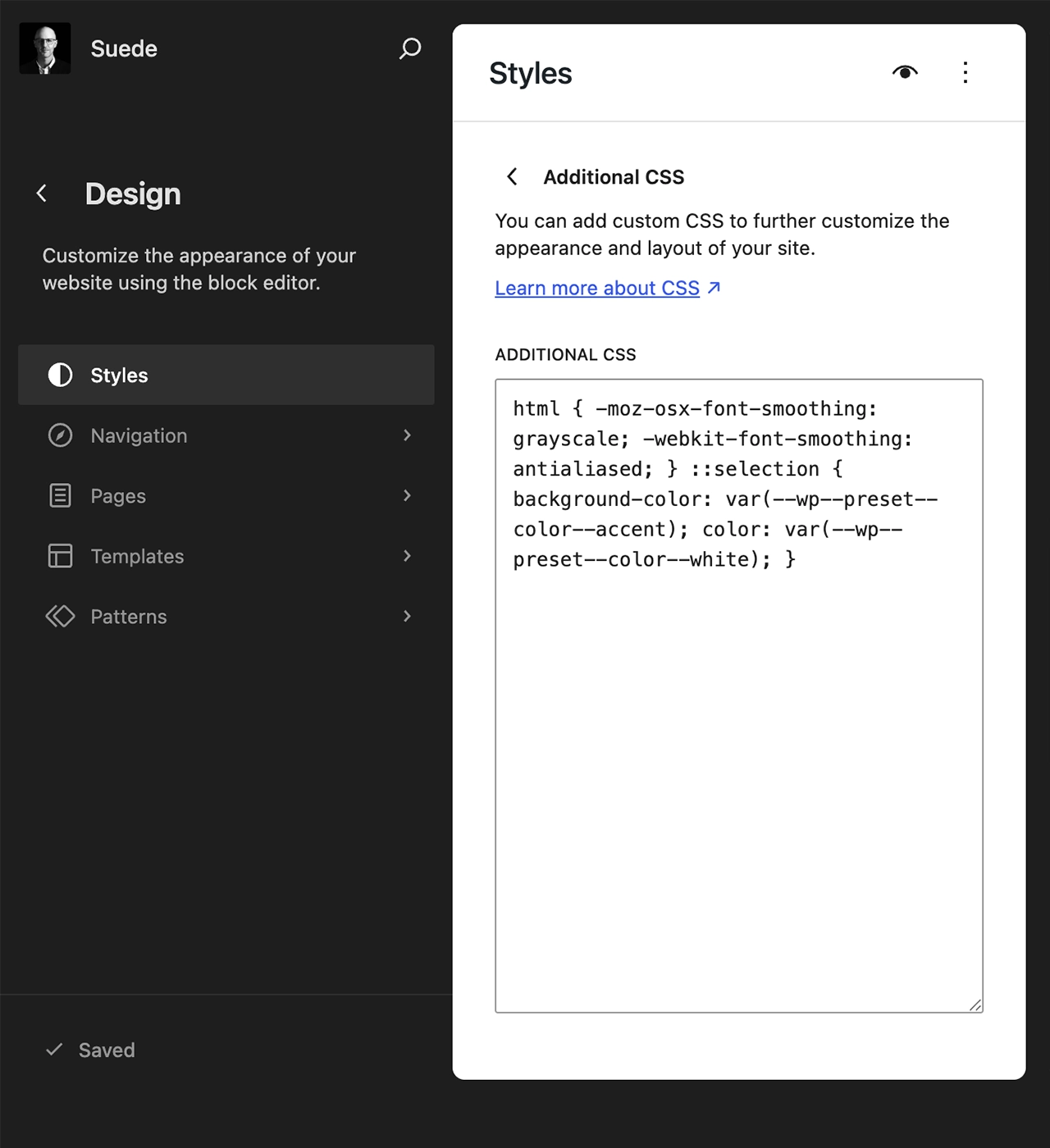
Font smoothing refines how type is rendered, reducing jagged edges and improving legibility. In Suede, it contributes to a cleaner, more consistent reading experience across the theme.
The setting is applied globally through custom CSS defined in theme.json, ensuring consistent typography and centralized control.
Add Font Smoothing
Below is the code used to add font smoothing in theme.json:
{
	"styles": {
		"css": "html { -moz-osx-font-smoothing: grayscale; -webkit-font-smoothing: antialiased; } ::selection { background-color: var(--wp--preset--color--primary); color: var(--wp--preset--color--base); }"
}
Remove Font Smoothing
Font smoothing can be removed if you prefer a more native, system-rendered look. Because it’s applied via Additional CSS, you don’t need to edit theme files or override styles manually.
Open the Site Editor (Appearance → Editor), go to Styles, then click the three dots to access the Additional CSS panel. From there, remove or disable the font-smoothing rules and save—changes will apply globally.